Introduction to Gmail Email Filtering
Gmail, one of the world’s most widely used email services, has integrated email filtering capabilities that greatly enhance the user experience. This filtering system helps users manage their inboxes by automatically sorting incoming emails into specific categories, marking spam, and assisting in prioritization of important messages. As digital communication evolves, understanding how these filters work has never been more crucial.
How Gmail Filtering Works
Gmail employs a complex filtering algorithm designed to categorize emails into various folders such as ‘Primary,’ ‘Social,’ ‘Promotions,’ ‘Updates,’ and ‘Forums.’ When an email arrives, Gmail analyzes multiple factors, including the sender’s reputation, the content of the message, and previous interactions with the sender. For example, messages from known contacts typically land in the ‘Primary’ category, while newsletters or automated responses often end up in ‘Promotions.’
Recent Updates to Email Filtering
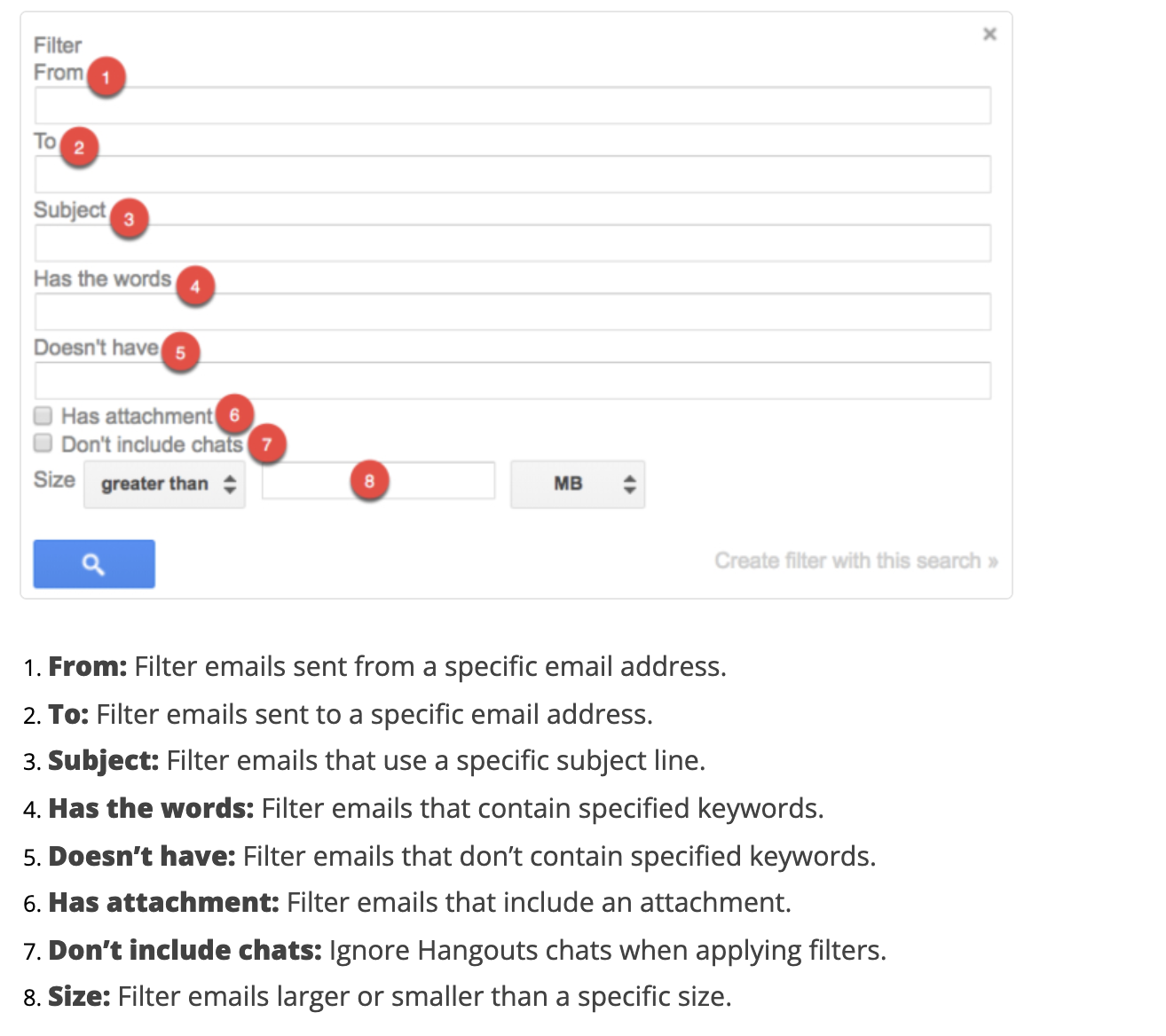
In 2023, Google implemented several updates to enhance email filtering capabilities. One notable update includes advanced machine learning algorithms that improve spam detection rates, significantly reducing the number of legitimate emails incorrectly flagged as spam. Furthermore, users now have more control over their filtering settings, allowing them to create custom filters based on keywords, sender information, and even specific dates.
Another enhancement is Gmail’s integration with Google Workspace, which allows business users to apply consistent filtering rules across their organizations. This helps maintain email hygiene and ensures important communications are never missed.
Challenges with Filtering
Despite the sophistication of Gmail’s filtering system, challenges remain. Occasionally, important emails may be unintentionally relegated to the spam or promotions folders. Users are encouraged to regularly check these sections and mark any miscategorized messages to help the algorithm learn from their actions. Additionally, frequent interaction with priority emails can signal to Gmail that these messages are important, further refining the filtering process.
Conclusion
As the digital landscape continues to change, Gmail’s email filtering system plays an essential role in managing the overwhelming volume of daily communications. By understanding how these filters work and taking advantage of the available customization options, users can ensure that their inbox remains organized and that important messages are easily accessible. Looking ahead, enhancements in AI and machine learning promise to make Gmail’s filtering capabilities even more robust and intuitive, paving the way for an improved user experience.